
Connect ChatGPT, Claude, Cursor or Codex — or OpenAds’s own Autopilot agent — to every advertising platform through one secure connection. Research, generate on-brand ads, launch, optimise and report, with human approval before important actions.
Get started
Explore integrations
ONE SECURE MCP CONNECTION · NO MORE SWITCHING BETWEEN ADVERTISING DASHBOARDS


ADVERTISING PLATFORMS
SUPPORTED AI CLIENTS
SECURE MCP CONNECTION
FOR IMPORTANT ACTIONS
ONE CONNECTED ADVERTISING STACK
Bring every ad platform into one workflow. Ask, compare and prepare actions — without learning a new interface for each channel.
OpenAds
· via ChatGPT
Compare ROAS across Google & Meta this week
Where you ask
Ask from the AI client you already use.
OpenAds
Account & campaign context
Tools for supported actions
Human approval checkpoint
How it connects
One controlled connection layer.
PENDING APPROVAL
Increase Google Ads budget
+£2,000 / month
Approve
Hold
Stay in control
Nothing spends without your approval.
AUTHORISED PLATFORMS
Google Ads
Meta Ads
Microsoft
Amazon
TikTok
Snapchat
X Ads
GA4
Klaviyo
Where work happens
Every platform in one workflow.
Explore all integrations
01 / FROM DASHBOARDS TO INTENT
Today, running ads means living in dashboards, filters, exports and spreadsheets. OpenAds gives your AI assistant the context and tools to understand a goal, prepare the work and execute what you approve.

Context across the stack
OpenAds gives the assistant relevant account, campaign and performance context before it responds. Recommendations reflect your actual advertising environment rather than a disconnected prompt.

Cross-platform operations
Compare Google, Meta, LinkedIn, TikTok and other connected platforms through one conversation instead of rebuilding the same analysis across separate dashboards.

From answer to action
Move beyond summaries. Prepare campaigns, budgets, reports and optimisation actions directly from the conversation.
02 / CONNECT ONCE. OPERATE ANYWHERE.
STEP 01
Authorise the accounts and platforms your team wants OpenAds to access. Keep different brands, clients and workspaces clearly separated.
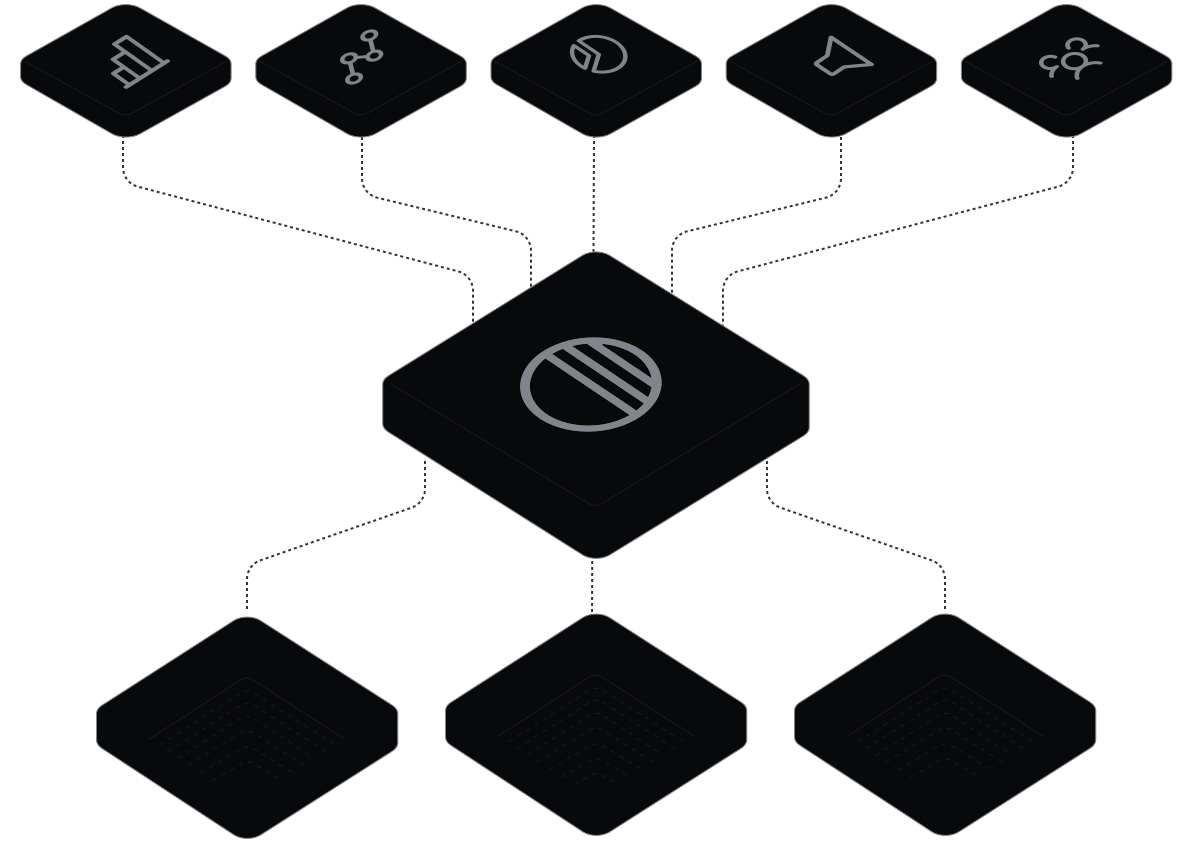
STEP 02
Use OpenAds from ChatGPT, Claude, Claude Code, Cursor or Codex — or its own built-in Autopilot agent — through one MCP connection.

STEP 03
Describe the outcome you need in natural language. OpenAds retrieves the relevant context, prepares the work and asks for approval before important actions are executed.

04 / CONTROL IS A FEATURE
OpenAds keeps analysis, recommendation, approval and execution separate. Every important campaign, targeting and budget change is reviewed before it reaches a platform.

Review before execution
See the exact configuration that will change before approving it.
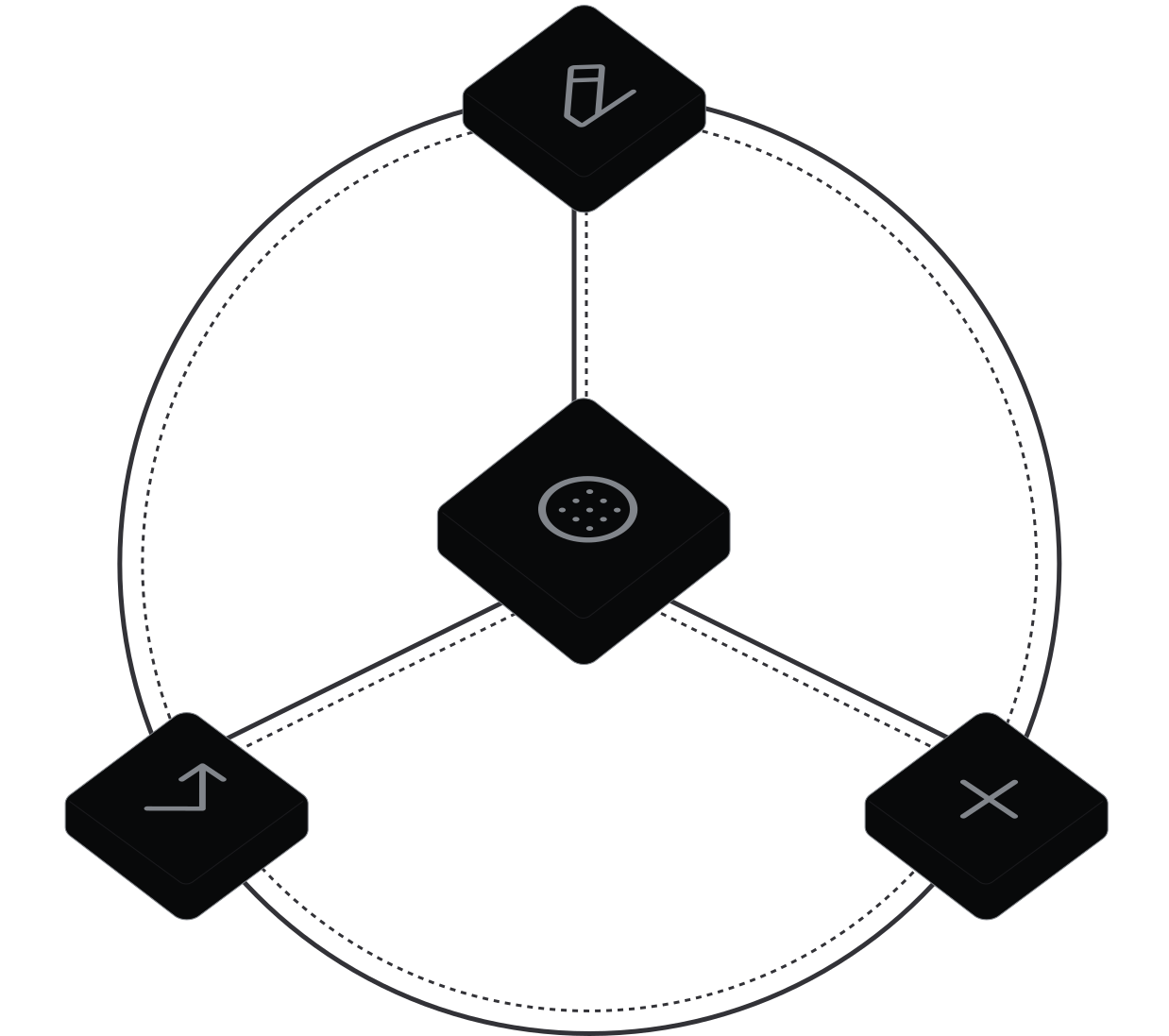
Selective control
Approve some actions, edit others and reject anything that does not fit the plan.

Clear accountability
Analysis, proposals, approvals and completed actions stay visually distinct.
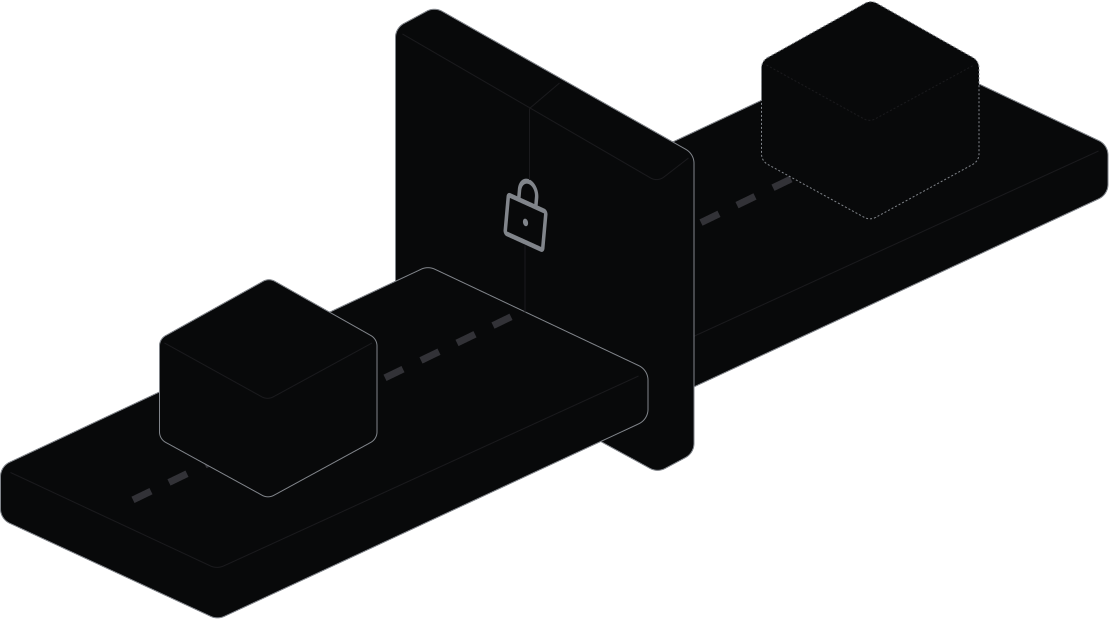
No silent changes
Unapproved important actions are not executed. Ever.
05 / BUILT FOR HOW TEAMS WORK
AGENCIES & FREELANCERS

Compare clients, prepare audits, standardise reporting and coordinate bulk operations while preserving separation between accounts and approval flows.

GROWTH & PERFORMANCE TEAMS
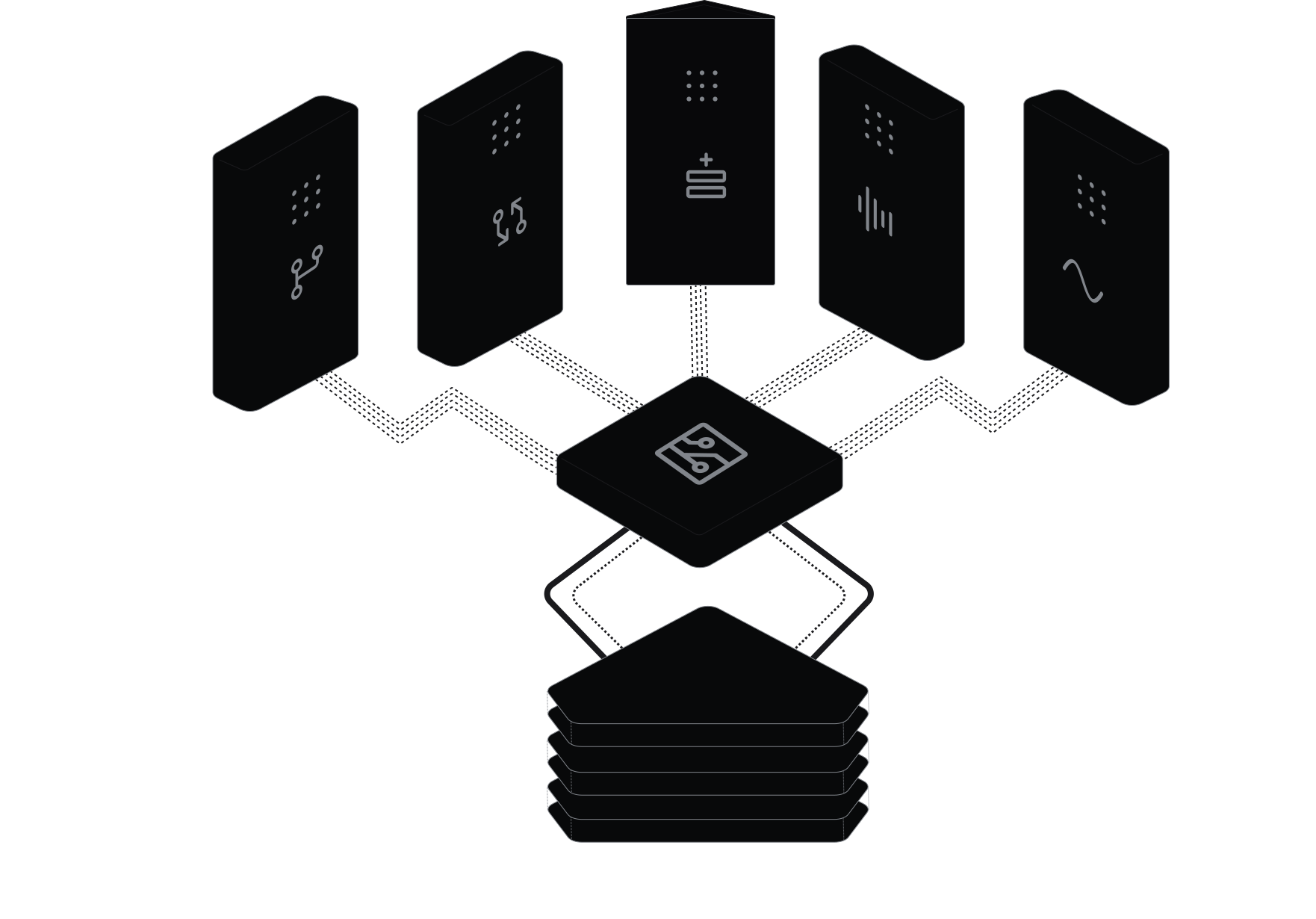
Analyse performance across platforms, prepare coordinated changes and keep the team aligned on what was proposed, approved and executed.
FOUNDERS & LEAN TEAMS
Ask questions in plain language, understand what is affecting performance and review structured campaign proposals before committing budget.
OpenAds prepares the work. You keep the judgement.

06 / A BETTER OPERATING MODEL

MANUAL WORK
INTERACTION MODEL
Dashboards, filters and exports
CROSS-PLATFORM VISIBILITY
Rebuilt by hand in spreadsheets
TIME TO RELEVANT CONTEXT
Manual consolidation before every answer
EXECUTION
Changes made separately in each platform
MULTI-ACCOUNT OPERATIONS
Repeated account by account
HUMAN OVERSIGHT
Depends entirely on the operator
LEARNING CURVE
Every platform interface

TRADITIONAL AD TOOLS
INTERACTION MODEL
Another dashboard to operate
CROSS-PLATFORM VISIBILITY
Fixed reports and templates
TIME TO RELEVANT CONTEXT
Waiting on scheduled syncs and reports
EXECUTION
Rigid rules, no AI context
MULTI-ACCOUNT OPERATIONS
Platform-specific workflows
HUMAN OVERSIGHT
Rules can act without review
LEARNING CURVE
Another interface to learn

OPENADS
INTERACTION MODEL
Natural-language requests
CROSS-PLATFORM VISIBILITY
Context shared in one conversation
TIME TO RELEVANT CONTEXT
Retrieved as you ask
EXECUTION
Analysis and execution in one workflow
MULTI-ACCOUNT OPERATIONS
Bulk operations with account-level context
HUMAN OVERSIGHT
Human approval for important actions
LEARNING CURVE
The AI assistant already in use
07 / THE CONNECTION LAYER
MCP is the standard way AI assistants connect to authorised tools and data. OpenAds uses it to bring your advertising accounts into the assistant you already use.
Your AI assistant
CHATGPT · CLAUDE · CLAUDE CODE · CURSOR · CODEX
↓
OpenAds MCP connection
CONTEXT · TOOLS ·
APPROVAL CHECKPOINT
↓
Authorised accounts and platforms
14 AD PLATFORMS · GA4 · EMAIL & LIFECYCLE
08 / CONNECT THE FULL CUSTOMER JOURNEY
Platform metrics are only part of the picture. Connect analytics and lifecycle tools so your AI reasons across the full funnel — from impression to revenue.


09 / CONNECT AND START ASKING
No new dashboard to live in. OpenAds brings the tools into the AI environment your team already uses.
Get started
Read the documentation
01
Create an OpenAds workspace
02
03
Connect ChatGPT, Claude, Claude Code, Cursor or Codex
04
Ask for an analysis, campaign plan or report
05
FREQUENTLY ASKED QUESTIONS
Understand the connection before you make it.
What is OpenAds?
+
What can I do through OpenAds?
+
Which AI assistants are supported?
+
Which advertising platforms can I connect?
+
Does OpenAds automatically change my campaigns?
+
Is OpenAds only for technical users?
+
Can agencies manage multiple clients?
+
Does OpenAds replace the advertising platforms?
+

YOUR ADVERTISING OPERATION, CONNECTED
Connect your preferred AI assistant to the advertising platforms you already use. Move from questions to controlled execution without moving between dashboards.
Get started
Book a demo
REQUEST
CONTEXT
ANALYSIS
PROPOSAL
APPROVAL — YOU
EXECUTION
RESULT
Meta
Microsoft
Amazon
TikTok
Snapchat
X
Trade Desk
CM360
SA360
OpenAI
↓ ONE MCP CONNECTION ↓
Approval always interrupts the path before execution.
ADVERTISING PLATFORMS
SUPPORTED AI CLIENTS
SECURE MCP CONNECTION
HUMAN APPROVAL FOR IMPORTANT ACTIONS